01
Complete remoteD‑pad, Back, Home, volume, channels, power and full media playback controls.
Pair securely over Wi‑Fi, navigate with a premium touchpad, type on your TV, launch supported apps, and ask your TV using natural voice commands.
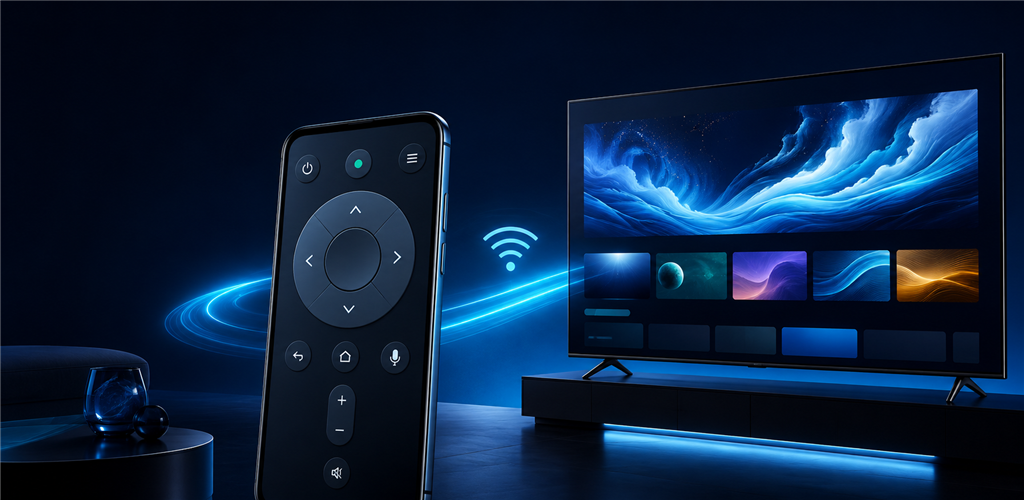
Commands are delivered using the supported Google TV remote protocol. Features that a TV or application does not expose are not presented as guaranteed actions.
D‑pad, Back, Home, volume, channels, power and full media playback controls.
Speak or type requests, automatically choose an app, and safely run supported chained commands.
Swipe to navigate, tap OK, and send text when a compatible TV text field is active.
Remember paired televisions securely and reconnect without freezing your phone.
Open supported app links, remember recent searches and save favourites per profile.
Google UMP manages applicable advertising consent and ongoing privacy choices.
Connect the phone and Android TV or Google TV to the same home network. Guest-network isolation can prevent discovery.
Open the device selector and tap the discovered television. If it does not appear, enter its local IP address manually.
Your TV displays a six-character code. Enter it on the phone to establish an encrypted trusted connection.
Use Remote for buttons, Touchpad for gestures and TV Keyboard when an input field is active.
Choose Apps and say “Play relaxing music on YouTube” or type a title. Availability depends on supported TV app links.
Confirm Android TV Remote Service is current, disable VPN isolation, wake the TV and retry pairing from Settings.
Compatibility: Android TV and Google TV only. Samsung Tizen, LG webOS, Roku and Fire TV are not supported.