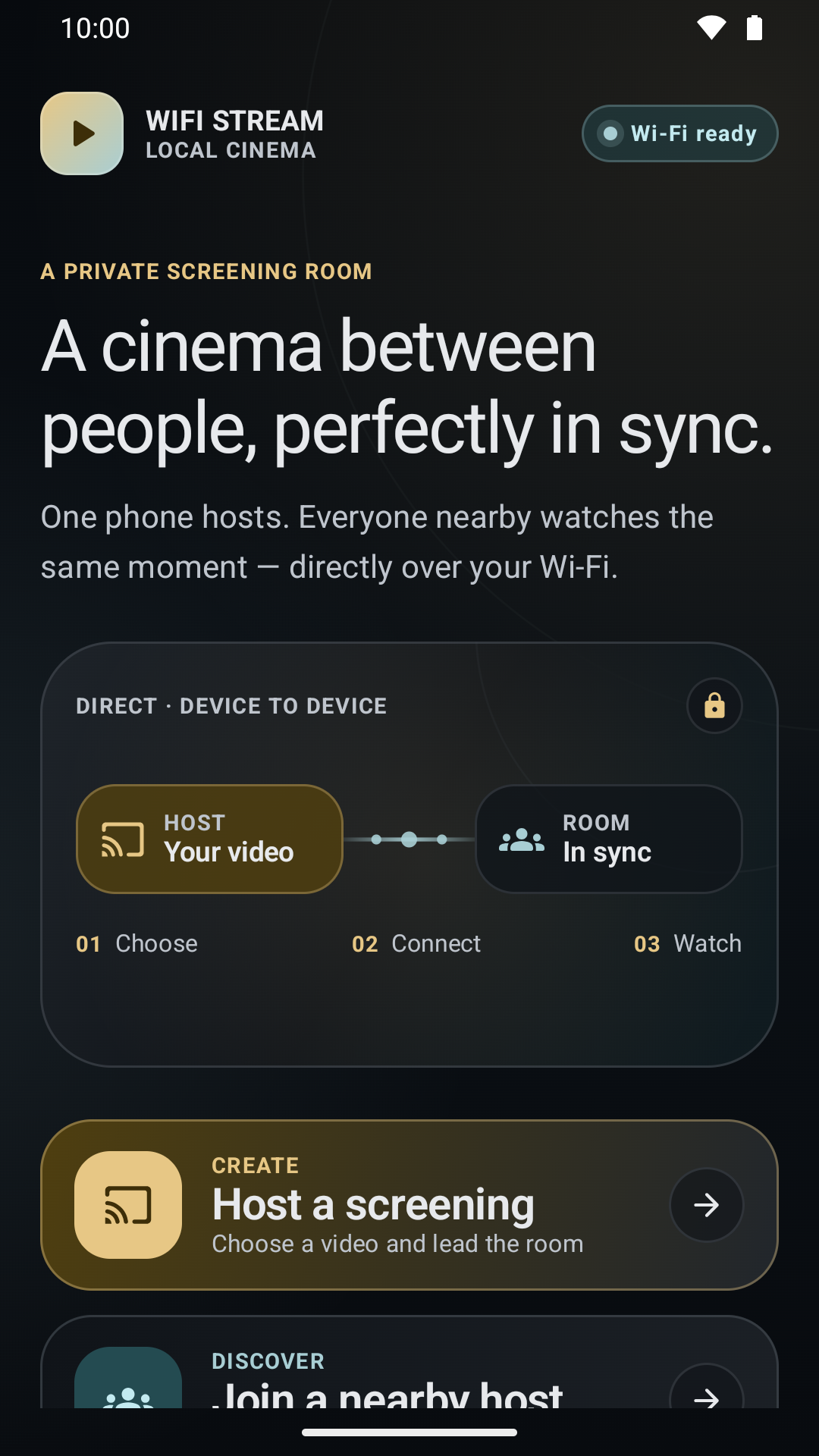
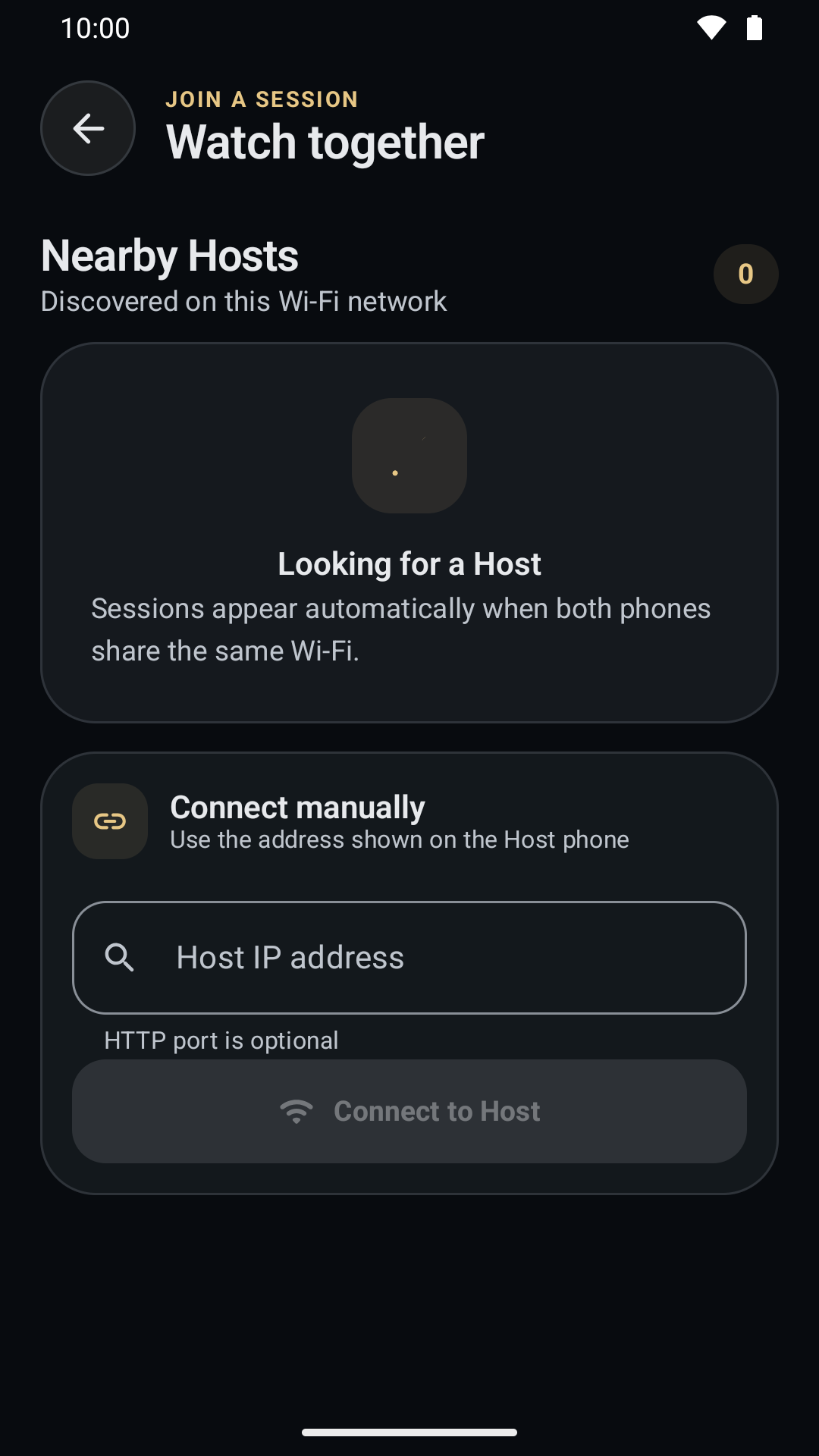
WiFi Stream turns nearby Android devices into a synchronized screening room or a temporary shared video library. One phone hosts. Everyone else joins over the same local Wi-Fi network or personal hotspot.
No WiFi Stream accountOpen the app and create a room.
No publisher video cloudSelected media stays out of our servers.
Your files, your choiceAndroid's picker grants access only to selections.
01 / TWO EXPERIENCES
One room. Two ways to watch.
Lead a shared timeline when the moment matters, or open a temporary library when everyone wants something different.
01Host controlled
Watch together
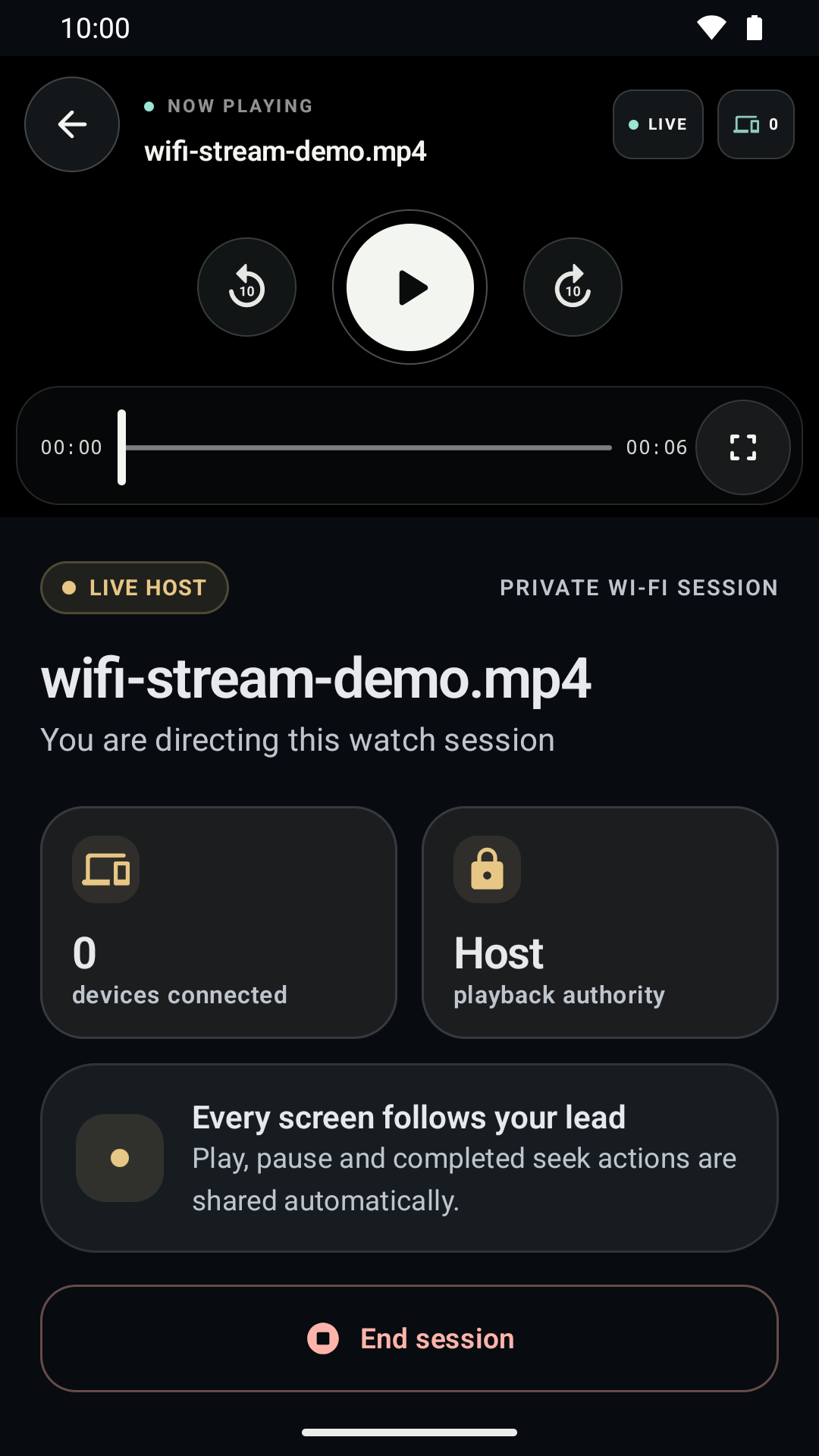
Choose one video. The Host controls play, pause, seeking, and ten-second skips while timing correction helps every Joiner stay aligned.
One shared playback timeline
Joiner volume stays local
Host sees connected-device count
Host
J1J2J3
02Joiner controlled
Share files
Choose 1–25 videos without playing them on the Host. Joiners browse the temporary catalog and control their own selection, position, and playback.
Independent choice for every Joiner
Play, pause, skip, and seek locally
No Joiner controls another
▶
Travel film24:18 · MP4
▶
Family clip08:42 · MP4
▶
Event video51:06 · MP4
02 / SETUP
From files to room in four steps.
No account setup and no media upload. Just two or more compatible Android devices on one trusted local network.
01
⌁
Use one network
Put every phone on the same private Wi-Fi, LAN, or personal hotspot.
02
+
Create a room
Tap Host, choose Watch together or Share files, then select your video files.
03
⌁
Join nearby
Other phones discover the Host automatically, with manual local-IP connection as a fallback.
04
▶
Keep the Host online
The Host phone and selected file provider must remain reachable until viewing is finished.
WATCH TOGETHER
The same moment, across every screen.
The Host sends the video directly across the local network and remains the playback authority. Joiners follow the room while keeping their own volume private.
±10 secHost skip controls
LocalJoiner volume
LiveRoom status
Watch together · direct local streaming
03 / GENUINE APP PREVIEW
Designed to stay out of the movie's way.
Real phone captures from the synchronized flow. Share files has its own Host dashboard, browser, and independent player.
01Clear from the first tapHost or join without an account.
03Confident Host controlsPlayback authority stays easy to understand.
04 / LOCAL-FIRST BY DESIGN
Your media does not need our video cloud.
Selected media is not uploaded to a WiFi Stream publisher server. Requested video bytes travel directly from the Host to session devices on the local network.
The core video path uses the local network. Internet access may still be used by Google advertising and consent services.
Where do ads appear?+
WiFi Stream uses banners on the Home and Join discovery screens, plus app-open ads on eligible non-playback screens. Ads are kept away from active Host and Join playback.
What devices do I need?+
Use two or more compatible phones running Android 8.0 or later, with the same current WiFi Stream release installed on each device.
Can every Joiner choose a different video?+
Yes, in Share files mode. Each Joiner selects and controls a video independently. Watch together instead follows one Host-controlled timeline.
What happens when the Host exits?+
The source closes. A Joiner may continue briefly from bytes already buffered, but playback completion is not guaranteed.
Does Share files download videos?+
No. It creates a temporary streaming catalog, not a permanent download or offline library.
Why might a file or Host not appear?+
Client-isolated Wi-Fi, VPNs, firewalls, weak signal, cloud document providers, DRM, or unsupported device codecs can interrupt discovery or playback. A common MP4 file is a practical starting point.
Which app version should each phone use?+
Install the same current WiFi Stream release on the Host and all Joiners so both room modes use the same protocol.
READY WHEN YOUR ROOM IS
Bring the videos. WiFi Stream brings the room.
Install the current app on at least two compatible Android phones, connect them to one trusted local network, and choose how everyone watches.